Food service · Venues
QR self-ordering system
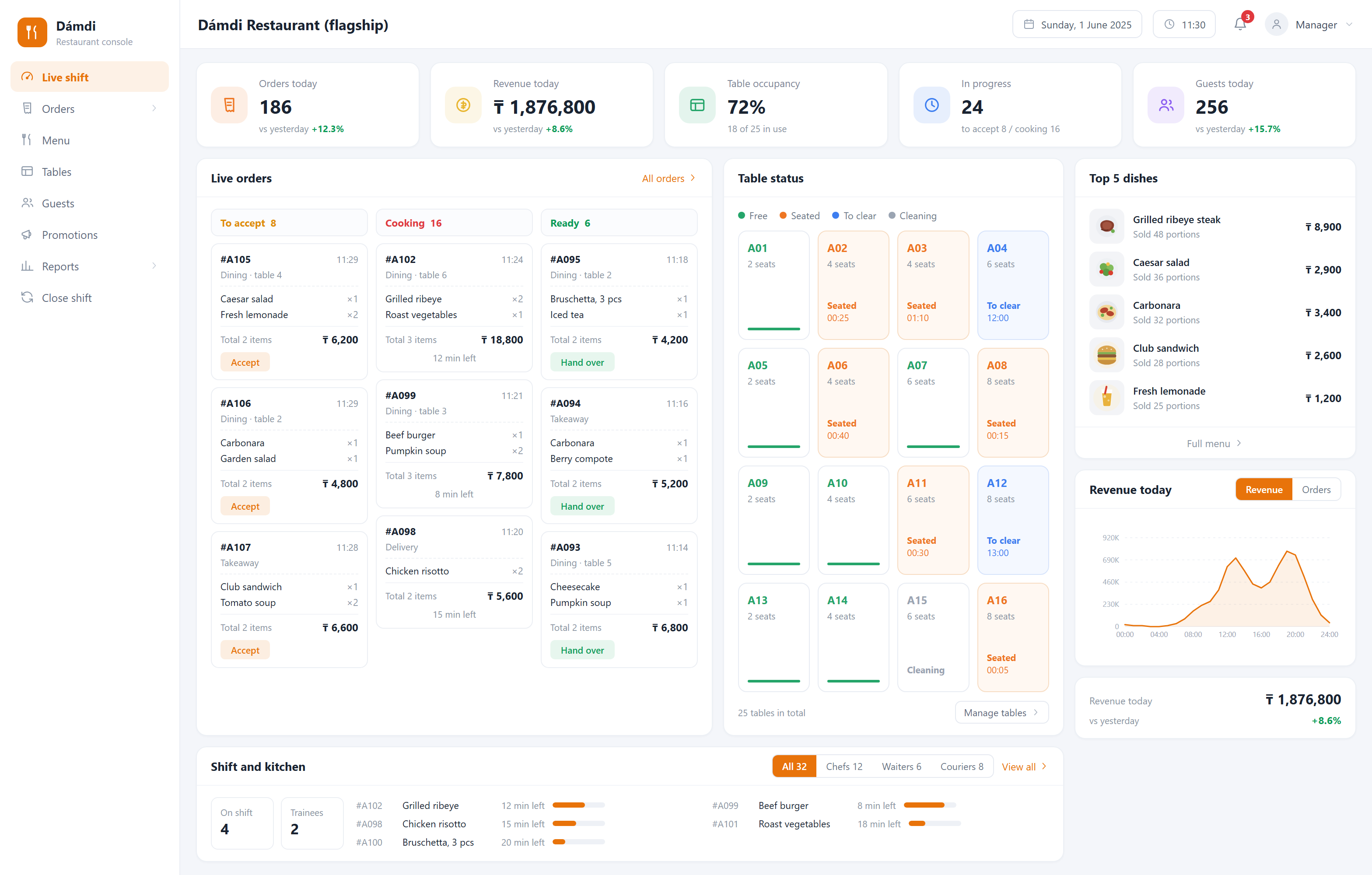
Queues at peak hour, a waiter mishearing an order, a sold-out dish still being ordered — all of it can be handed to the system. The guest scans the QR code on the table, browses, orders and pays; the order goes straight to the kitchen and the waiter only has to serve it.
What it solves
Not enough hands at peak hour
Guests place their own orders. The same traffic needs one or two fewer floor staff, and waiters focus on serving and table turnover.
Language gaps cause wrong orders
The menu switches between Kazakh, Russian and English, with photos and portion options. Guests choose for themselves, no translation needed.
Sold-out dishes keep selling
The kitchen disables an item in one tap and it becomes unavailable instantly. No refunds, no awkward apologies.
Before and after
- At peak hour the queue reaches the door and waiters cannot keep up
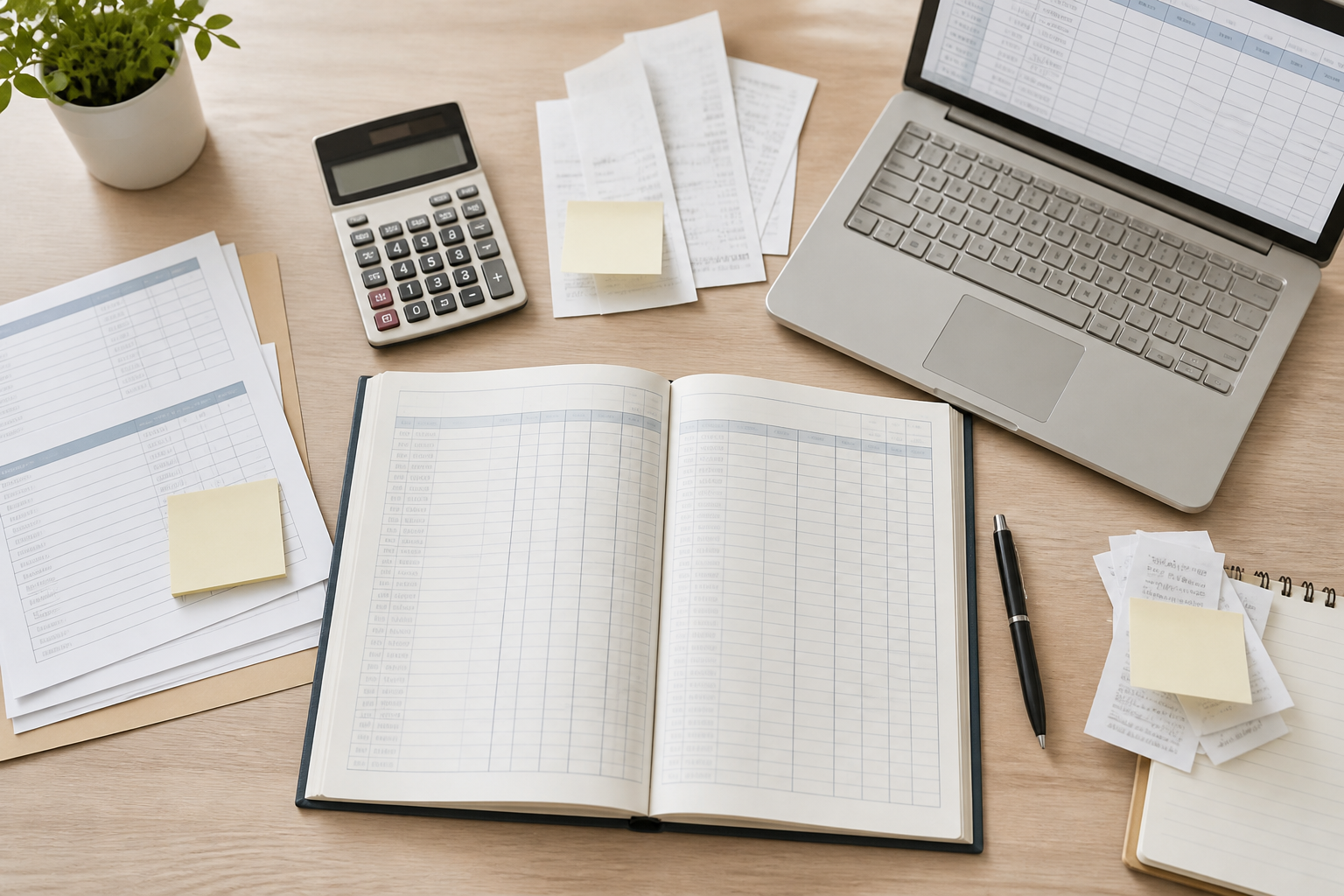
- Orders are written by hand and carried to the kitchen; unclear handwriting means the wrong dish
- A sold-out item keeps getting ordered, so you refund and apologise
- Which dishes sell and which hours are busiest is guesswork
- Guests order themselves by QR, so the floor needs one or two fewer staff
- The order lands straight on the kitchen screen with nothing in between
- The kitchen disables an item in one tap and the menu greys out instantly
- Sales per dish and per hour are collected into a report automatically
Capabilities
QR ordering with menus in Kazakh, Russian and English
Dish photos, portion sizes, add-ons and combos
Kitchen ticket printing, pickup display and prep status
Dine-in, takeaway and pre-orders share one back office
Kaspi and other local payment methods
Stop list: disable an item in one tap
Analytics: sales by dish, traffic by hour, table turnover
Fast food, coffee shops, restaurant chains, food court counters, and any venue looking to cut floor staffing costs.
FAQ
Do guests need to install an app?
No. The QR opens directly in the phone browser — order and close. Zero installation is exactly why people here actually use it.
What about guests who do not want to use a phone?
The system does not replace waiters, it offloads them. Waiters have the same ordering screen and can take the order as usual — both paths land in the same kitchen queue.
How much does a system cost?
It depends on the feature set, how many locations you have and whether hardware integration is needed. Using a ready module costs significantly less than building from zero. We can give a range after the first conversation, and once the scope is agreed the price is fixed — we do not bill by the hour.
How soon can we start using it?
If the module is used largely as-is, 2–3 weeks. If it needs substantial adaptation to your process, usually 4–6 weeks. The timeline is stated in the proposal.
Where is the data stored? Can it be on our own server?
It can. By default the system runs on servers we maintain, which is simpler for you. If you have compliance or internal control requirements, we deploy entirely on your server or on a machine in your premises, and data never leaves your network.
Other systems
Gym membership system
Retire the paper log and the spreadsheet: memberships, personal training and renewal reminders in one place.
Internet café management system
Session billing, client balances and seat status on a single screen at the front desk.
Retail loyalty system
Turns one-time shoppers into regulars — points, coupons and purchase history stay with you.